
Livestorm Updates Video Engagement Platform With New Features Intended to Ease Setup and Promotion for Event Organizers
Advertisement
Companies switching to Livestorm in droves as video conferencing remains the primary business communications tool in the wake of COVID-19
Livestorm, which offers the first Video Engagement Platform (VEP), announced that it has added a host of new features intended to help companies boost engagement during virtual meetings or events, combat screen fatigue and ensure online event materials are aligned with their messaging and branding.
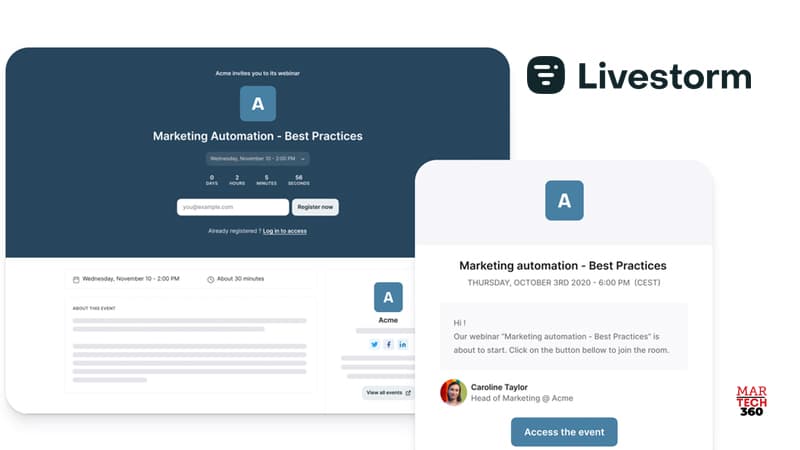
Livestorm goes beyond simple video communication to help companies connect, engage, collaborate and measure results for video events in a single place. Operating entirely within the browser, with no app downloads needed, Livestorm enables organizers to create and manage professional video engagements, end-to-end, in one place. Organizers can use Livestorm for on-demand, live, or pre-recorded meetings or events. Livestorm supports all the workflows around a video conference; including registration pages, email follow-ups, analytics and sharing video recordings. Also Read: New Engen and Acorn Influence Join Forces to Create Expanded Digital Marketing Offering New Livestorm features include:- Custom design plugin: a simple way to customize the event room design, including colors, typography and custom backgrounds for branding consistency with no uploads or templates required.
- The ability to have up to 16 people speaking simultaneously at an event.
- The ability to host events of up to 3,000 participants for Enterprise accounts.
- Integration with HubSpot: connect Livestorm events with HubSpot accounts to push registrants as contacts or new deals to your HubSpot CRM.
- The ability to chat privately with other participants using the Direct Messages Plugin.
- The ability to access the event sidebar in full-screen mode with the External Sidebar Plugin, which enables presenters and organizers to display their sidebar on a separate device or window. This means they can check polls, answer questions, and monitor conversations with ease while presenting in full-screen mode.
Advertisement